Sympəthy's Journal
pro captu lectoris, habent sua fata libelli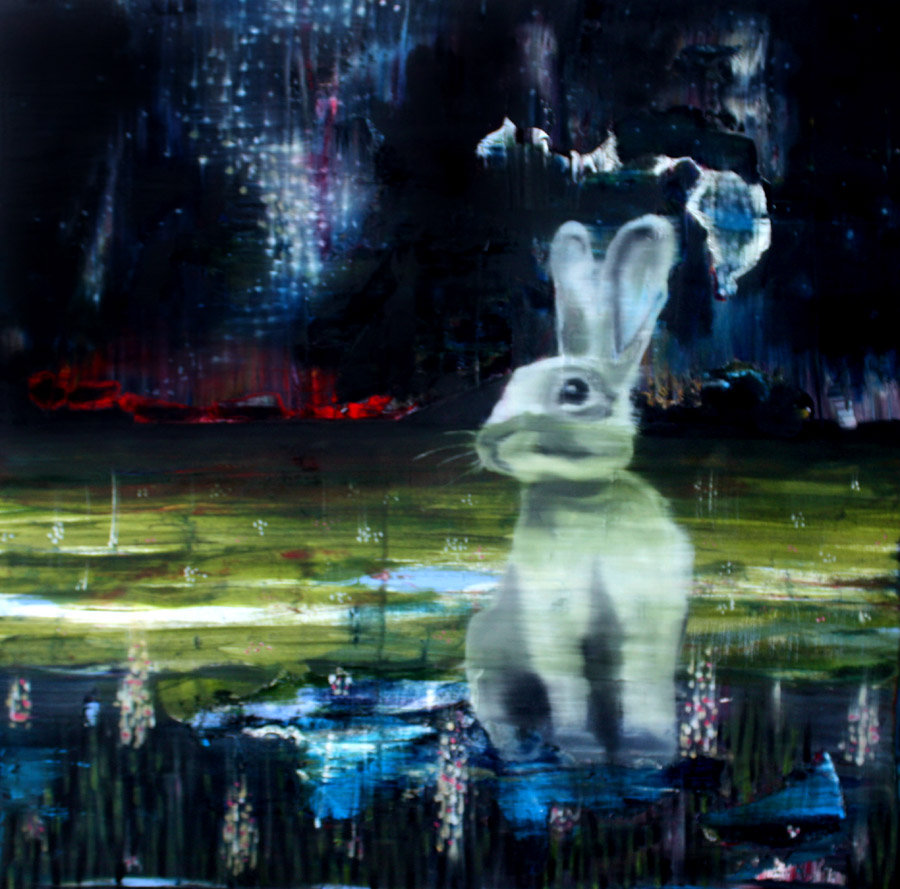
Art is Stargazer by Todd Horton. I found him through the album art of Adding up the Wasted Hours.
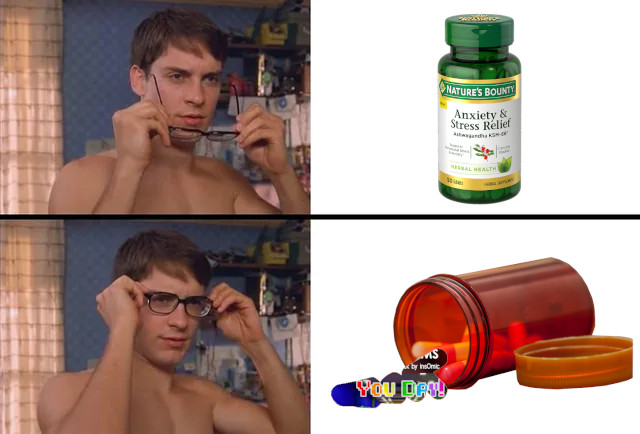
Made a little meme for my anxious friend who really likes the song You Day.
Introduction
Hi I'm Sympəthy, I'm gonna use this site as like a journal that I don't want anyone to read, but also wish someone would read it. If that makes sense.
Bio
I think of myself as a game dev but I haven't made much yet. These last few years especially I've just fell into a slump and not released much, and the things I did release are unimpressive imo. I have to keep trying though. Tell myself all the time. But if that's the case, why aren't I making games right now, instead of writing this? A good example: I had an amazing opportunity to work with Andrew Katz from 1td but I kinda blew it by not participating enough in the project. I regret that a lot, and I guess I blame depression but I'm not diagnosed so it might've just been laziness.
I consider myself a furry, but I'm not involved in the fandom, even though I wish I was. I guess I lurk a lot of fandoms. I've joined some discord servers . I guess I just feel like I have nothing to say. I need like a reason to say something. If I studied the TF2 or Overgrowth source code enough I would then at least have something to say in those servers Anyway, if I had a fursona, it would be probably be a rabbit. I guess I think I share a lot of traits with them. I've gone through a lot of species though, from a Mountain Lion, to a Snow Leopard, to a Golden Retriever, and now a rabbit. Thinking back though, each species I chose was moreso something I wished I was like. I've put a lot of thought into being a rabbit, and I recognize I've held these traits for my entire life. I've even considered it in the past, but each time decided against it because, as I said, I wished I had the traits of the other animals - the strength of a Mountain Lion, the stoicism of a Snow Leopard, the sociability of a Golden Retriever. In reality, I am positive that I am ingrained with the anxious silence of a rabbit. If I had the time and money, I would draw myself a fursona, get a fursuit, meet other furries, go to conventions, all that fun stuff. Instead, I just feel like I'm keeping it all to myself. My boyfriend finds it endearing I think, but he just doesn't quite understand it, which I don't blame him for.
Hmm I really want therapy, but I don't have the time or money yet. Are there furry therapists? Would my therapy experience be biased if I sought out a furry therapist?
My childhood memories are all weird. Like I think I was thrown as a kid, but I just can't remember the incidents specifically. Sometimes I wonder if it even happened.
I think i have big plans for this site! One day I'll make it all organized, and then the next I'll make it all pretty! For now though I'm just happy that I can finally put my mind on a page!! Many pages!
09/13/2026 - I was playing on a TF2 trade server today on a map called Pall Mall. It's this attack/defend map with a bunch of nonsensical geometry - just a bunch of conrete walls, pillars, and walkways, surrounded on all sides by bright signs flashing ads, memes, and obscure references. The whole time vaporwave and mallsoft songs will play. It's such a vibe. I spent a good half hour just market garden dueling these two random soldiers while vibing to the music and occasionally chiming in to the conversation. Maps like this are what keep me going. It's so inspiring and don't even know why. Play it and feel that feeling for yourself. I found a YouTube playlist for the music: https://www.youtube.com/watch?v=-RFunvF0mDw&list=PLjp1SkCvsZih3rRVBW5QHfcH075kiwx39.

Here's a list of fandoms that I'm apart of
- Team Fortress 2 - There's so much to it, like the core gameplay, Emesis Blue, GMod videos, LazyPurple, Jerma, TF2Maps.net, etc.
- Kitty0706 - Rest in Peace
- Car Seat Headrest - Favorite Songs are Plane Crash Blues and Deadliens (Thoughtful)
- Have Heart - Favorite Song is Hard Bark on the Family Tree
- Dan Deacon - Favorite Song is Wham City (I have the opening lyrics memorized!)
- Fall Out Boy - Favorite Song is "From Now On We Are Enemies"
- Overgrowth/Lugaru
- Kaniner Alla Alskar Kaniner - Andreas Ronnberg made AoM at 13??? Humbling fr
- Night in the Woods
- Far Cry (Especially Far Cry 4) - I have a lot to say about the significance about Ajay's character
- Undertale - I havne't played Deltarune yet
- The Elder Scrolls - Especially Oblivion, though I have also played Skyrims main quest. Wilburger is hilarious.
- The Lonely Forest - Thank you Conne (:
- Housepets - (Rick Griffin)
- I Think I Like You - I wear the pin to work!
- The Long Dark - love the game but cant stand playing it sometimes
- Unity - dunno why i still use it when godot is so cool... guess i just like it
- Godot - the real deal
- SDL3 - one day i'll actually make a game with it that's not just pong
- Everything Everywhere All At Once
- The Hunger Games - still havent finished sunrise on the reaping /:
- The Big Gundown - running like a hare like a deer like a rabbit
- The Boondock Saints - love the symbology
- It's Always Sunny in Philadelphia
- High Potential - Heck yeah kaitlin olson
- A Day to Remember - regrettably, the source of my senior quote
- Beartooth - my dad called it "angry music"
- Have Heart - oceans, of emotions, youve got to swim

- Beast Wars Neo - wtf??
- Lemon Demon
- The Elder Scrolls (especially oblivion)
- Wilburger - why do i come to the arena?
Here's a list of some of my favorite songs. One Day I'll make it comprehensive.
- Rocket Jump Waltz Remix -
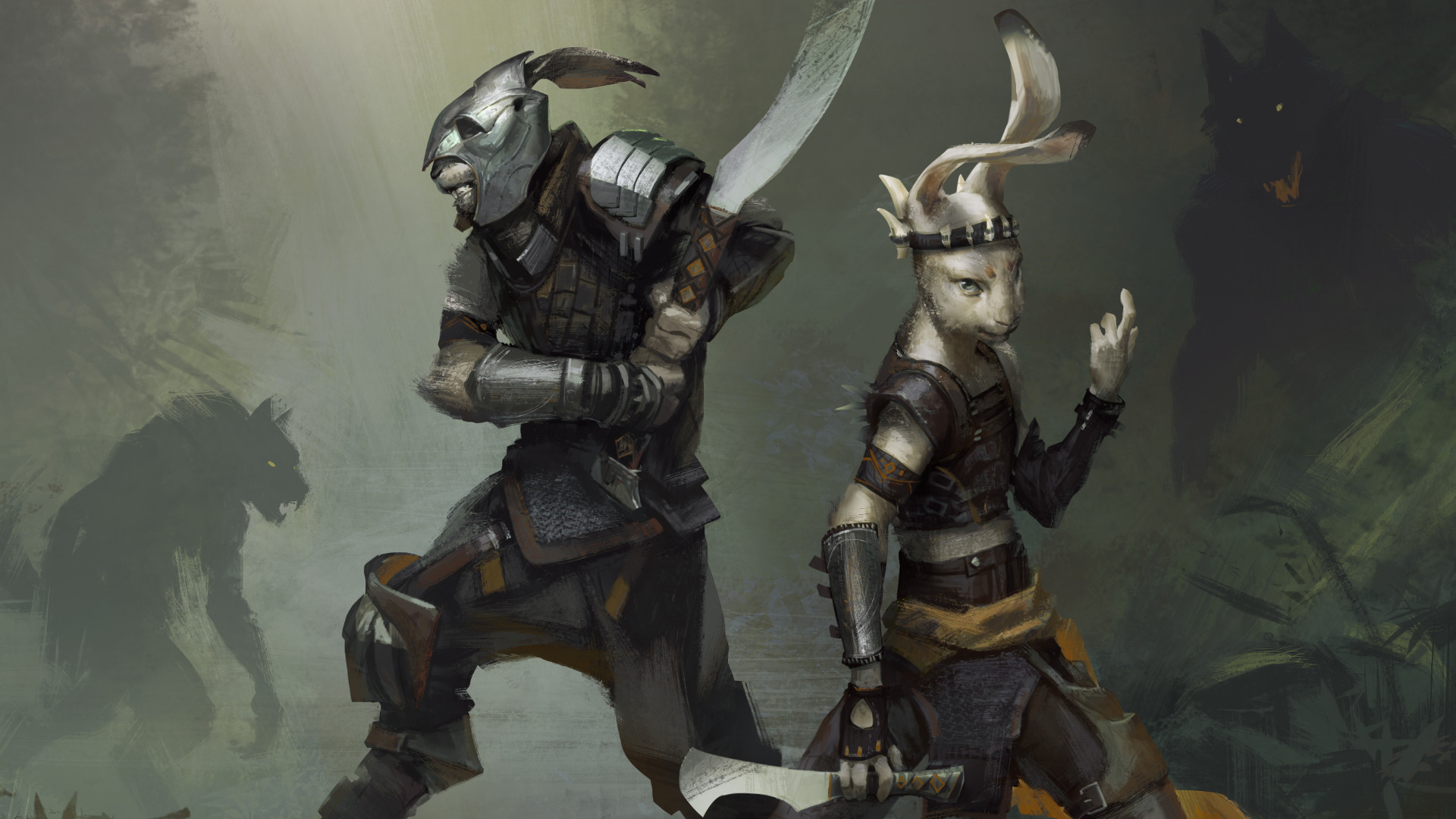
I played Overgrowth recently and loved it despite the flaws with the main story. I guess the worldbuilding, art, and gameplay carry it a lot. Anyway, here's some awesome art that I found and made my desktop background.
I'm currently struggling with an addiction, so wish me luck. IMINMYHEADAGAINIMINMYHEADAGAINIMINMYHEADAGAIN
It's been 1 days since last relapsing. (06/06/2026)
Unity Tips
In unity using the default Forward renderer, only two reflection probes can be blended per GameObject. If you find that the reflection probe weights aren't correct for an object, try breaking up the object into multiple parts. This will come with the caveat that baked lightmaps will have obvious seams between surfaces of different objects even if they share the same texture, so you may need to hide these seams with details or contrasting materials.
Unity's Standard Shader, when set to transparent Rendering Mode, will still show reflections is fully transparent texels, like glass. When Rendering Mode is set to Fade, these transparent texels won't reflect any light at all. This allowed me to create puddle materials by creating white blotches of varying opacity surrounded by transparency and setting the smoothness to 1.
Apparently, Unity's baked lights don't produce any specular highlights! One fix is to set the light mode to mixed, however that can be costly especially if all those lights have to be marked as important. The Unity blog has a workaround to fake specular highlights here: https://unity.com/blog/engine-platform/5-common-lightmapping-problems-and-tips-to-help-you-fix-them. The idea is to use an emissive sphere with GI disabled that's ONLY reflection probe static, so that the reflection probes create the specular appearance. I found that I needed to turn the emissive intensity way up on the material, but it worked really well! I then put these spheres where the lights exist in the scene, added them to their own layer, and removed them from the cameras culling mask so they don't appear in game.
Audacity Tips
Ive been wanting to make my own samples for milkytracker, but I've been struggling coming up with anything that isn't just a slight variation on the fundamental waverforms (sine, square, sawtooth, and triangle). I realized that if you can get a recording of an instrument playing a note for long enough, you can use Audacity to zoom in on the sound and examine the waveform for when it loops. From there, you can create a selection of the loop and press Z to adjust the selection to zero crossings. From there you can either make this selection into your sample or attempt to draw it in whatever tracker you want to use. You can also combine the waveforms of different instruments by isolating the individual waveforms then going to Tracks > Mix and Render It sounds simple, but I guess it never really occurred to me before. Unfortunately, it doesn't work well with complicated sounds like drums. I'll have to figure those out another time.
AGH!!!! Always make sure you "Export Selected Audio..." when making samples, or else you'll find out you wasted your time by exporting the whole damn song!
Could a low pass filter help make a distorted guitar sample?
Milkytracker Tips
Press and hold shift while clicking to draw the waveform without having to click the "Draw" button.
On Mac, you have to press and hold alt while doing commands like copy, paste, cut, etc. No wait - this is because I was in FT2 edit mode! All you really have to do is go to Config > Misc > Edit Mode > MilkyTracker
The little F, P, W, L buttons at the top of the screen mean the following:
- F: Follow - When playing a pattern/song, the cursor and screen will follow along with the note being played
- P: Prospective Pattern View - Past and future patterns will show in grey above and below the current pattern
- W: Pattern Wrapping - When moving the cursor with the arrow keys past the top of the pattern, the cursor will wrap around to the bottom, and vice versa. When disabled, moving the cursor past the top/bottom will go to the previous/next pattern.
- L: Live Mode - When playing the song and selecting a different pattern in the pattern order list, or changing the pattern value, this affects whether or not the song instantly changes. If enabled, the current pattern will finish before the new pattern starts playing. If disabled, the new pattern will instantly play.
GIMP Tips
It seems that the brush tool with partial opacity doesn't intensify the opacity if you go over the same spot in one stroke. You need multiple strokes to increase the opacity on already drawn areas. I really like this!
When you have a cutout of a layer using a layer mask, you can reposition the contents of the inner layer by selecting the mask and using Layer > Transform > Offset
Blender Tips
Here's a list of shortcuts that I really need to remember:
| Command | Description |
|---|---|
| Shift + ~ | Enters Camera Fly Mode. You can see more commands at the bottom in this mode. |
| S | Scale object with the mouse |
| E | Extrude object with the mouse |
| R | Rotate object with the mouse |
| L | Select Linked (Selects the whole object if you only had part of it selected). |
| N | Opens side panel with transformation info. |
| I | Inset a face. |
| CTRL + R | Add a loop cut. Scroll mouse to make multiple at once. |
| ALT + Left Click | Selects a line of verts, edges, or faces. |
| ALT + Middle Click | Snap the viewport to an orthogonal angle. |
| SHIFT + Middle Click | Pan the viewport. |
| CTRL + B | Adds a bevel. |
| SHIFT + A | Brings up the Add Menu. |
| Tab | Toggles Edit Mode and Object Mode. |
| SHIFT + D | Duplicate object. |
| X or Y or Z | Locks the object transformation on the respective axis (after starting Rotate, Scale, Extrude, etc). |
| 1 | Vertex edit mode. |
| 2 | Vertex edit mode. |
| 3 | Face edit mode. |
| G then G | Does an vertex slide/edge slide depending on the mode you're in. |
Current Blog Post Draft
Nothing to see right now!
Current Video Draft
- Shadow splotches and draw shadows - GIMP!
- Differences between jam version and current
Last Updated June 7, 2026